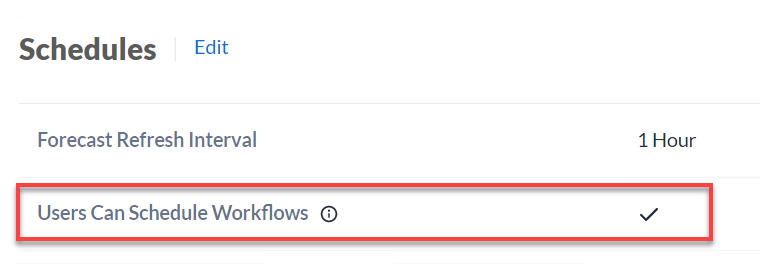
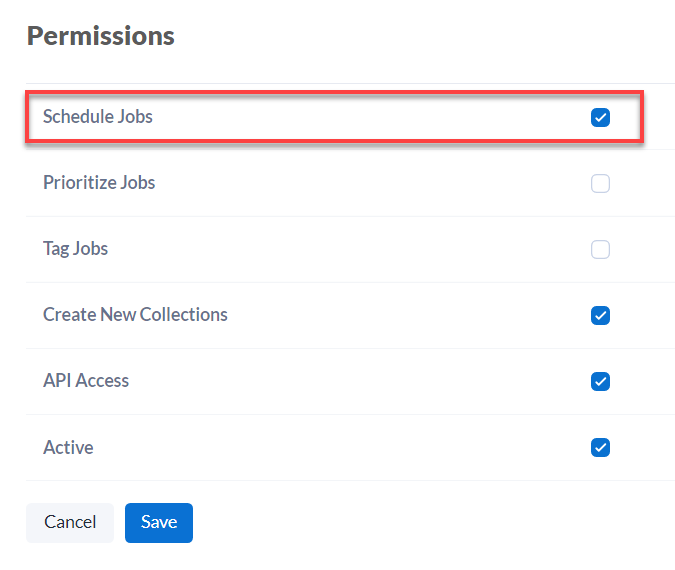
2026.3Server管理 Alteryx Server计划:管理员界面允许用户计划工作流允许用户计划工作流默认情况下,不允许 Server 用户计划工作流。管理员(Server 管理员)可以允许用户计划工作流。首先,在 管理员界面 的 设置 页面的 配置 选项卡上启用 用户可以计划工作流 Server 级别设置。接下来,每个用户都必须具有计划工作流的权限。在管理员界面工具栏上选择 用户 。选择“用户”。在 权限 部分中,选择 编辑 ,然后选中 计划作业 框。选择 保存 。